Admin and executive support guides
These are the articles I have written about handing over admin work. They cover what to delegate first, how to onboard a new assistant, and how I run an inbox, a calendar and meeting follow-ups for the people I support.
Everything here comes from client work. If you would rather hand the work over than read about it, the administrative support page explains what I take on.
12 articles
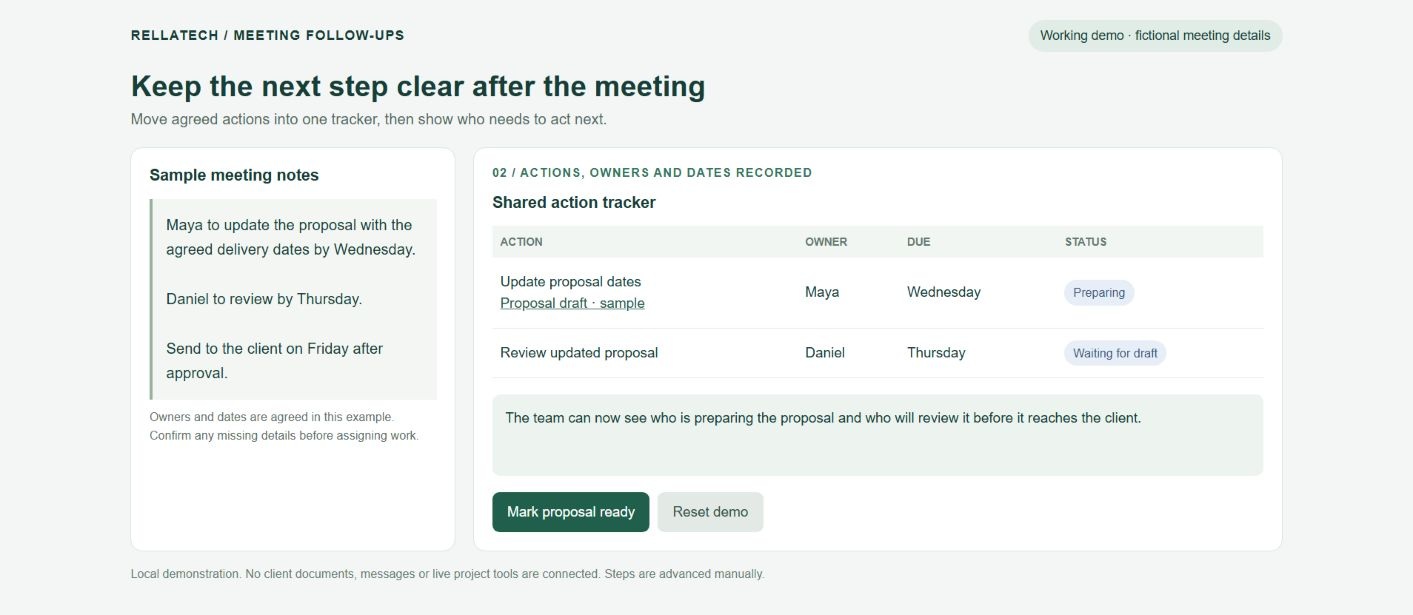
How to keep meeting follow-ups from getting lost
Keep meeting follow-ups organized with clear owners, agreed dates, useful updates and a shared tracker that helps your team move work forward.
Read article →
Technical VA or online business manager: which support do you need?
Choose technical or operations support by the work that needs attention, who will own it and the capacity available, not by a team-size rule.
Read article →
Virtual Assistant Onboarding Checklist
The accounts, access rules, process notes, priorities, and first-30-day milestones that help a new assistant become useful quickly.
Read article →
Best Virtual Assistant Companies in Canada (2026 Ranked)
Most 'best virtual assistant' lists are pay-to-play directories. This one is not. A direct, opinionated ranking of Canadian and Canada-friendly providers.
Read article →
What Does an Operations Virtual Assistant Do?
The person who makes sure the business runs cleanly even when the founder is on vacation.
Read article →
Onshore or offshore virtual assistant: what should you compare?
Compare remote support by experience, working-hour overlap, communication, scope and total cost rather than by location or hourly rate alone.
Read article →
What to know before hiring a virtual assistant
Define the work, look for relevant evidence, agree the arrangement and start with a manageable handover before hiring administrative or operations support.
Read article →
Where is your workweek going? Start with a workload audit
Record a representative week, look for repeated patterns, choose a contained next step and measure what changes after a handover.
Read article →
Remote support or an employee: how to assess what you need
Compare complete arrangements by workload, availability, responsibility and total cost. A job title does not settle employment status.
Read article →
Inbox Management for Busy Businesses: Before & After Systems
The folders, filters, templates, approval rules and waiting-for list I use to bring a busy business inbox under control and keep it there.
Read article →
What Tasks Should You Outsource First as a Business
A practical way to choose the first tasks to hand over, by how repeatable they are, how much context they need and what review they still require.
Read article →
What I Learned After 100+ Hours Inside Businesses' Inboxes
After 100+ hours inside business inboxes, the same patterns show up again and again. This is what is really stealing your time, and the fixes that hold.
Read article →Ready for reliable administrative and operations support?
Inbox, calendar, documents, client coordination, CRM upkeep and the workflows behind them. Tell me what your team needs and I will take it from there.